
Step 1: To edit your pages, log into the backend, and select Pages in the left sidebar.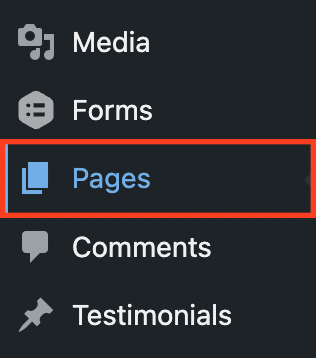
Step 2: You will find a list of all your pages. Select the page you wish to edit.
Step 3: You will now see the screen below it edit your page. Click the “Launch Beaver Builder” button.
Step 4: This will launch a preview of your page that you will have the ability to edit through drag and drop modules. For copy changes, you can simply double-click directly on the text you wish to edit.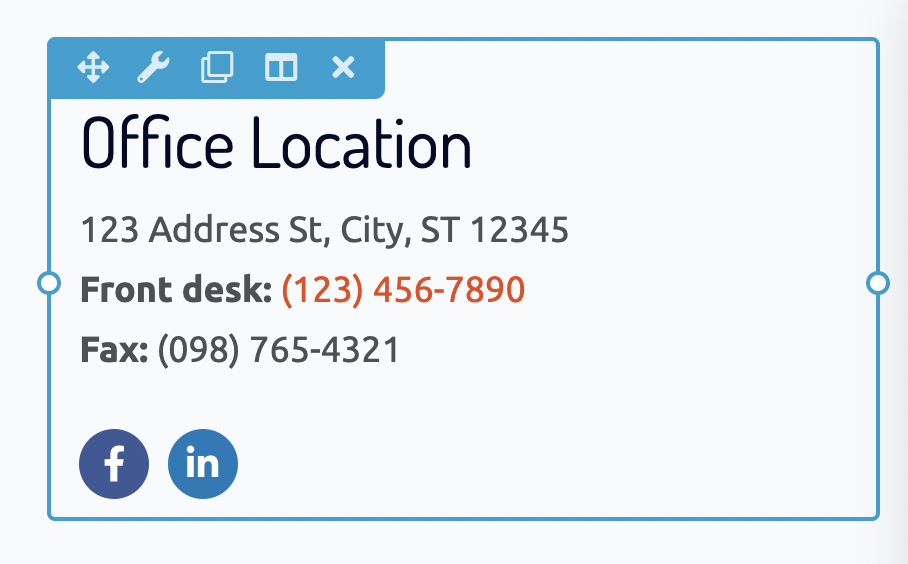
Top Bar: When in the page editor, you will see a bar at the top of the page. Click the plus (+) icon to add new modules or rows and click “Done” once you have completed your edits.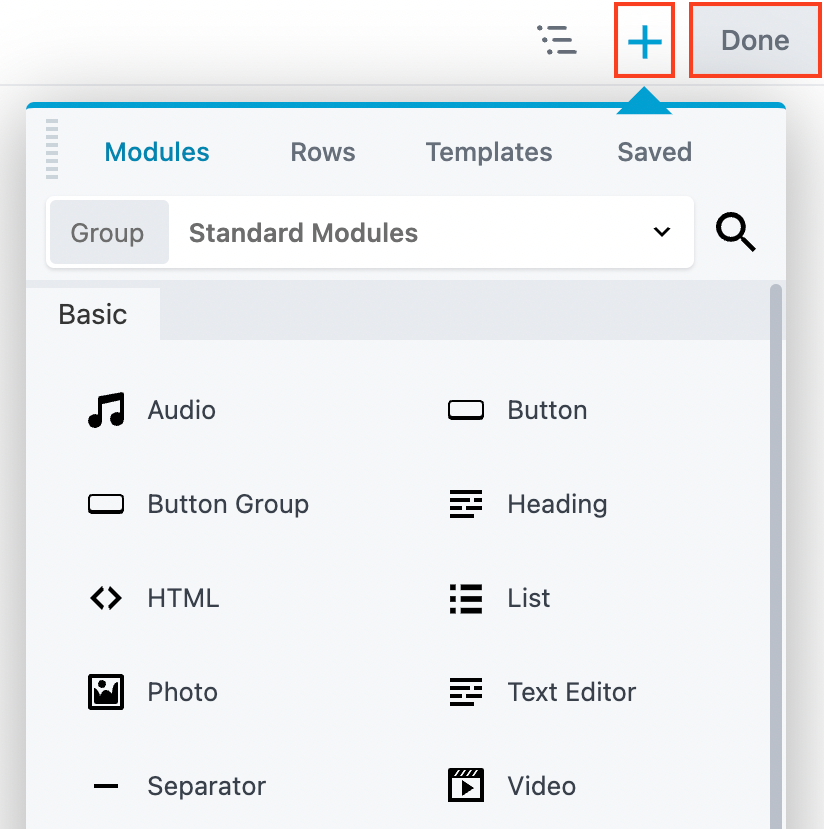
To view in-depth documentation on the Page Builder, please visit:
https://docs.wpbeaverbuilder.com/beaver-builder/layouts