
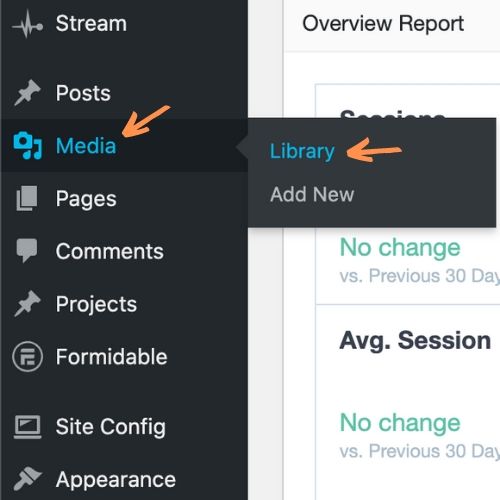
- Media -> Library from the main dashboard menu.
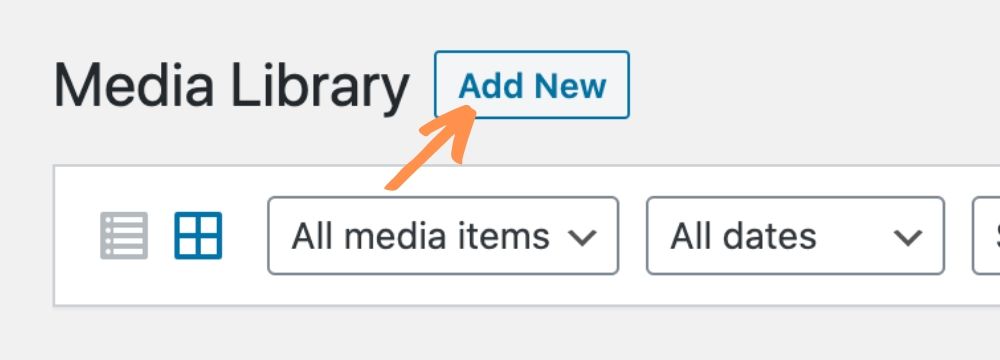
- Click Add New at the top of the page. You can drag & drop files onto the site or click Select Files.

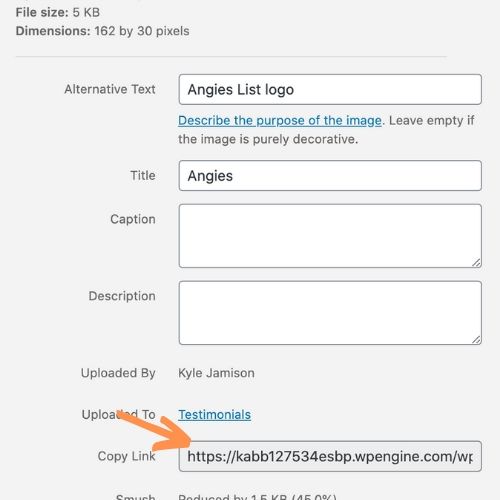
- Click on the newly uploaded document to see the Attachment Details. From here, copy the link in the Copy Link box on the right.
- Edit the page where you would like the new document to appear and paste the link in the appropriate location.