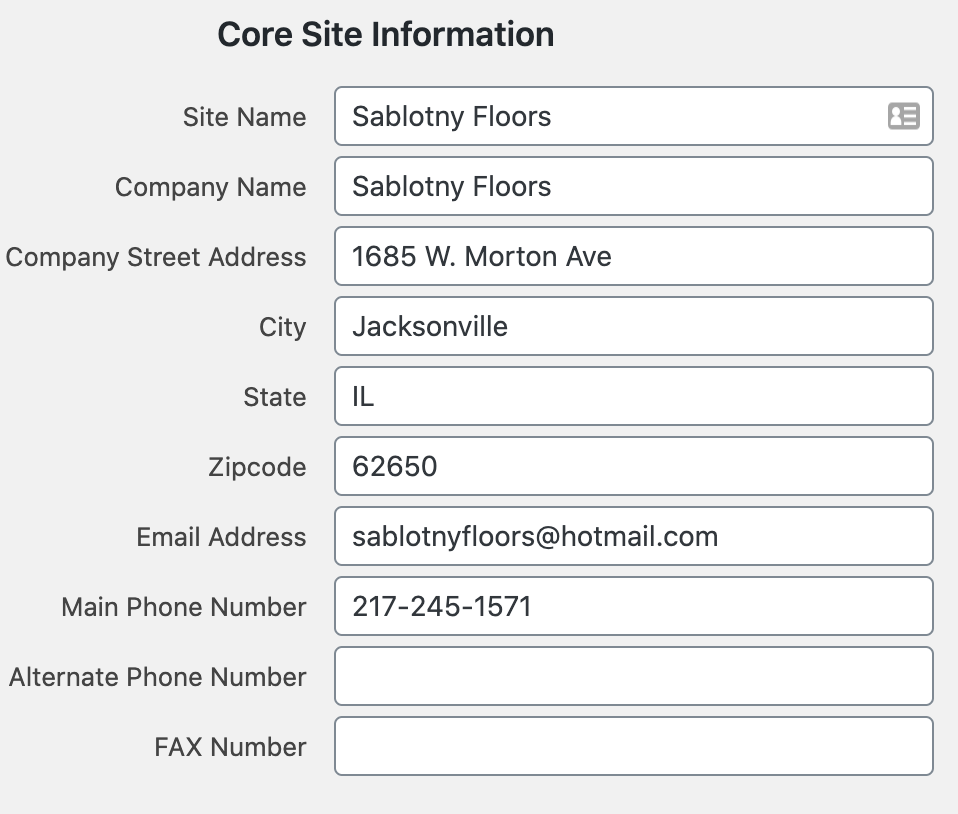
The Site Config tab near the top of the dashboard menu contains information that appears in multiple parts of your website including:

- Business Hours
- Address / Contact Information
- Footer text
- Social Media Links
- Your logo and any other repeated / default graphics
Make changes by typing directly into the desired fields. Click Update when finished to save your changes. (Or navigate away from the page without clicking update if you DO NOT wish to keep the changes)