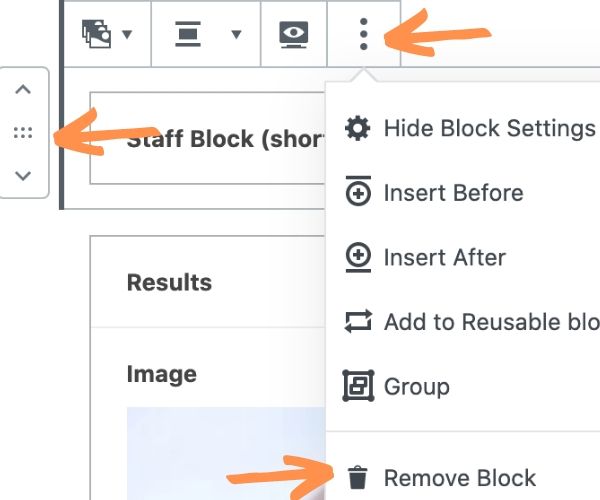
To remove a block, click on it then click the menu icon (three vertical dots) and choose Remove Block.
To change the order of the block, click the up or down arrows to the left of the block.

Website Training Library
To remove a block, click on it then click the menu icon (three vertical dots) and choose Remove Block.
To change the order of the block, click the up or down arrows to the left of the block.