
Home / Contact Forms /
How to edit the email address receiving the email submissions:
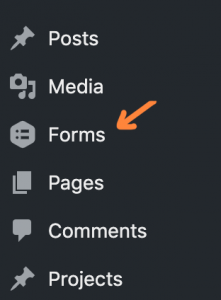
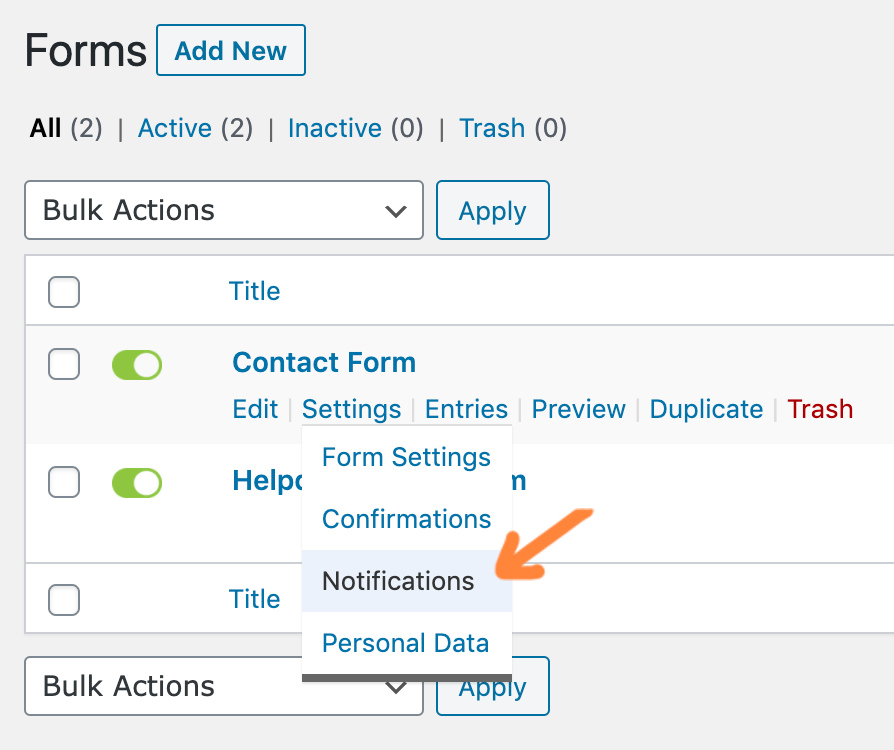
- Go to Forms from the main dashboard menu.
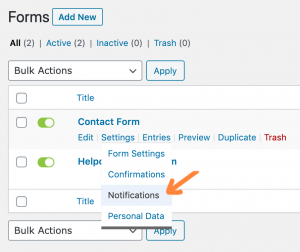
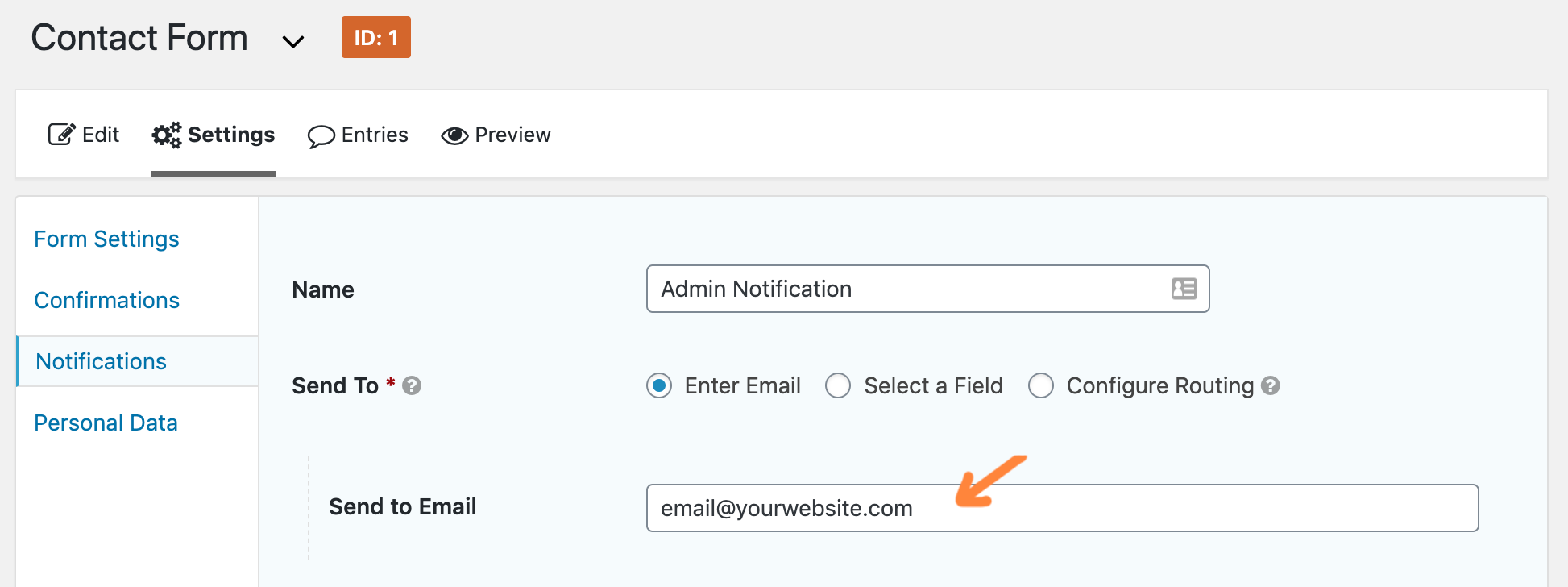
- Hover over the contact form and go to Settings -> Notifications.
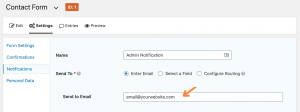
- Edit the Admin Notification. Change the Send to Email only. Click Update Notification.
How to view submissions:
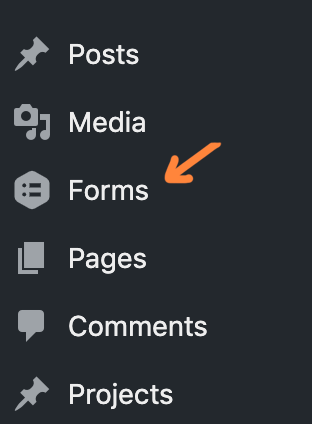
To view contact form submissions, go to Forms -> Entries from the dashboard menu.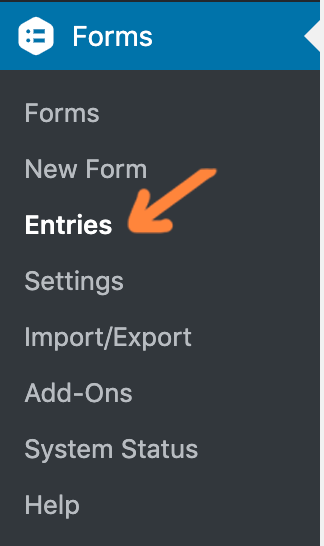
Additional Documentation: https://docs.gravityforms.com/category/user-guides/