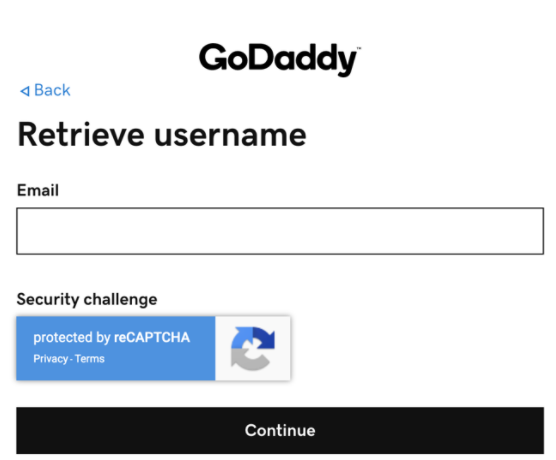
How to retrieve your DNS credentials from GoDaddy:
Step 1. Go to www.godaddy.com
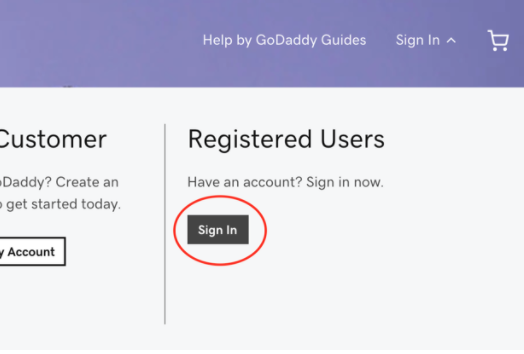
Click on “Sign In” at the top right.
Then click the black “Sign In” button under Registered Users.

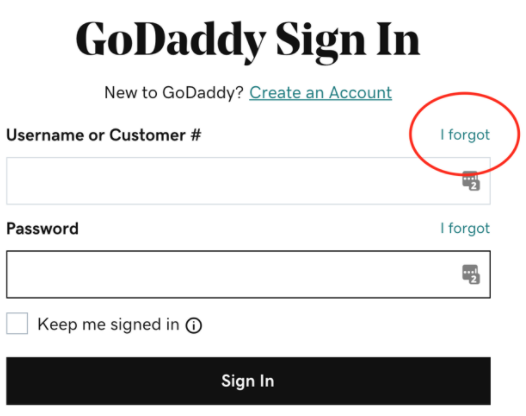
Step 2. Click “I forgot” next to the Username field in the GoDaddy Sign In box.
Step 3. Enter the email address that is associated with your account and click “Continue”. You will then be asked to enter your domain. Continue to follow the instructions on screen. GoDaddy will send your credentials to your email. IF YOU DO NOT KNOW WHICH EMAIL IS ASSOCIATED WITH THE ACCOUNT: Call GoDaddy’s 24/7 support 480-463-8387