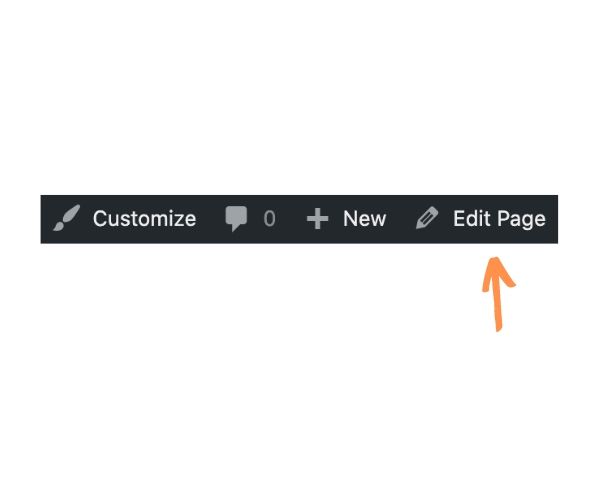
There are two ways to edit a page.
- Click on Pages to view all the pages on your site.
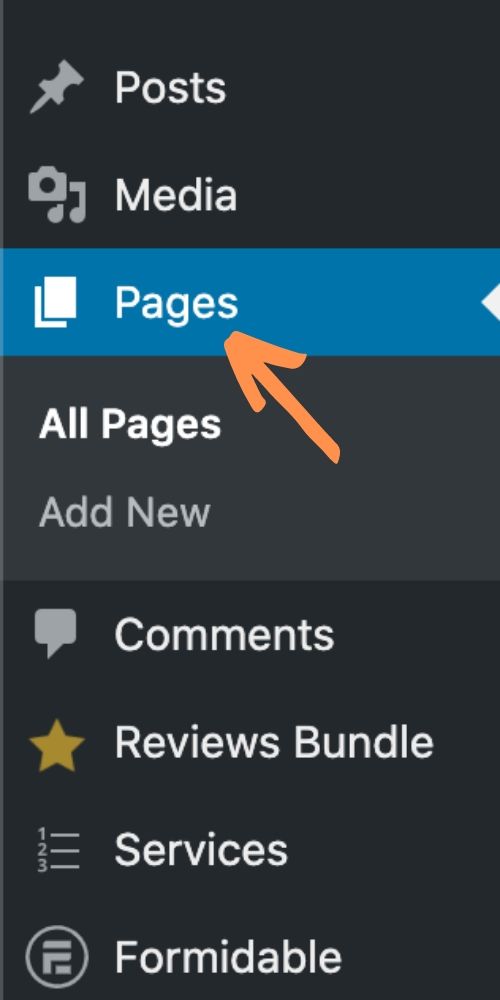
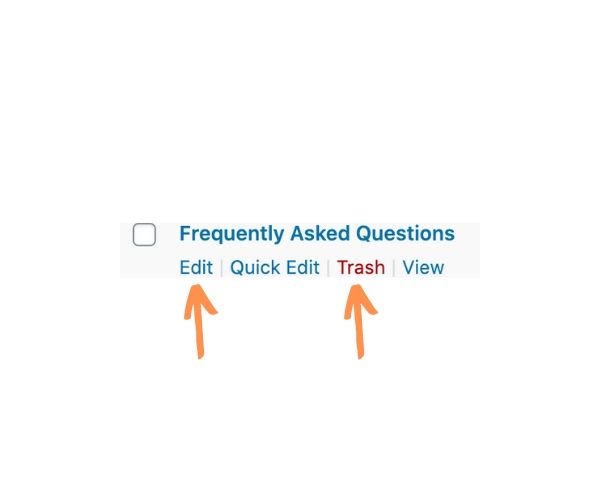
- Then hover over the desired page and click Edit. From this view you can also:
- Delete pages by clicking Trash
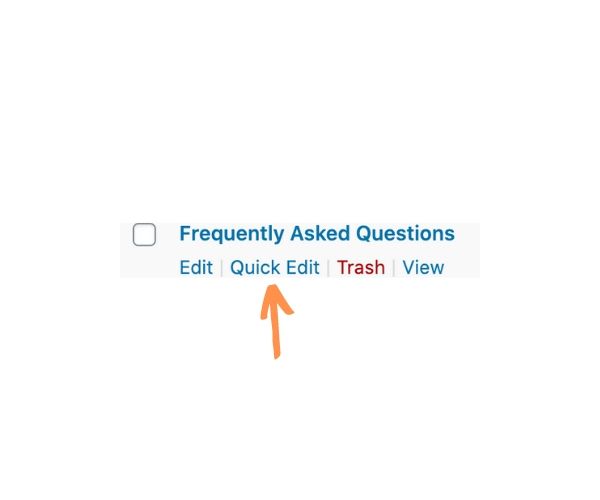
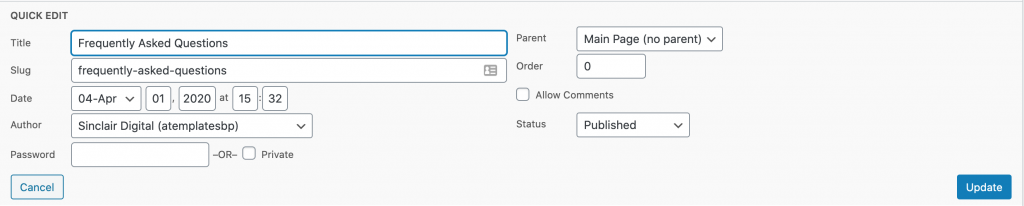
- Temporarily hide pages by clicking Quick Edit then selecting Draft from the Status dropdown. Click Update when done. This will keep the page, but it won’t be visible to visitors. Repeat these steps, except choose Published to make the page live again.
- Or, navigate to the page from the frontend of your website. If you are logged in, click Edit Page in the bar at the top of the site