
Home / Featured Image /
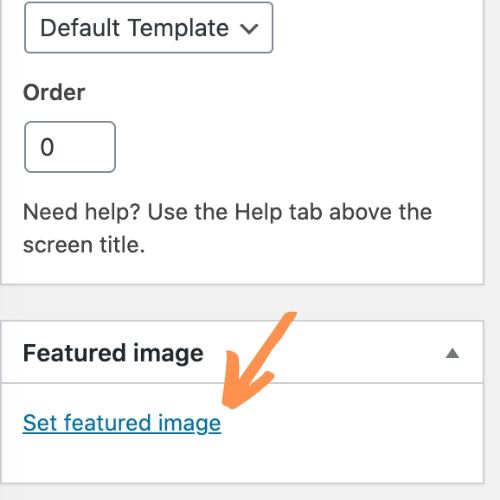
Some pages and posts make use of featured images depending on your theme. To set the featured image, click Document in the panel to the right, then scroll down to Featured Image. Clicking here will bring up the Media Library.

When finished editing the page, click the Update button in the upper-right corner. To discard changes, navigate away from the page without updating.