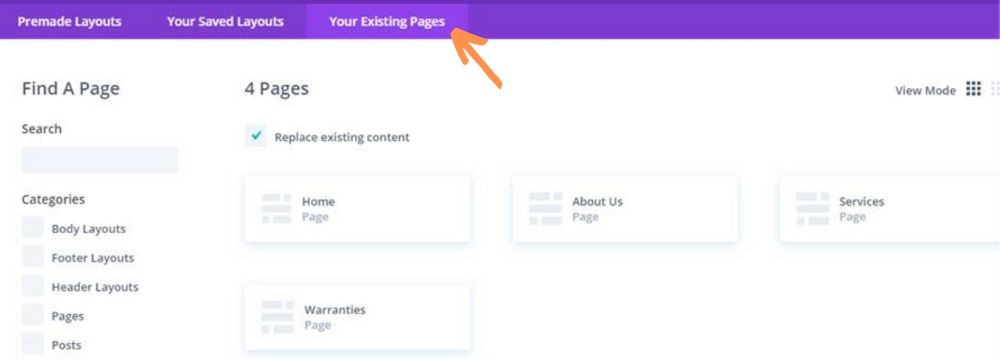
Create a new page by clicking ‘Add New’ from the pages list and then click on the ‘Use the Divi Builder’ link at the top of the page to engage the Divi Builder. Click ‘Load Layout’ in the purple header and tab over to the ‘Your Existing Pages’ tab to start from a page that you already have on the site. The backend does the rest – simply swap out content until you like the way the new page looks, and remember to either ‘Save Draft’ or ‘Publish’ on the right-hand side of the page when you are finished!