- Go to Appearance from the main dashboard menu. Click Menus.

- Here, you can select the menu you want to add (if applicable), and add pages.
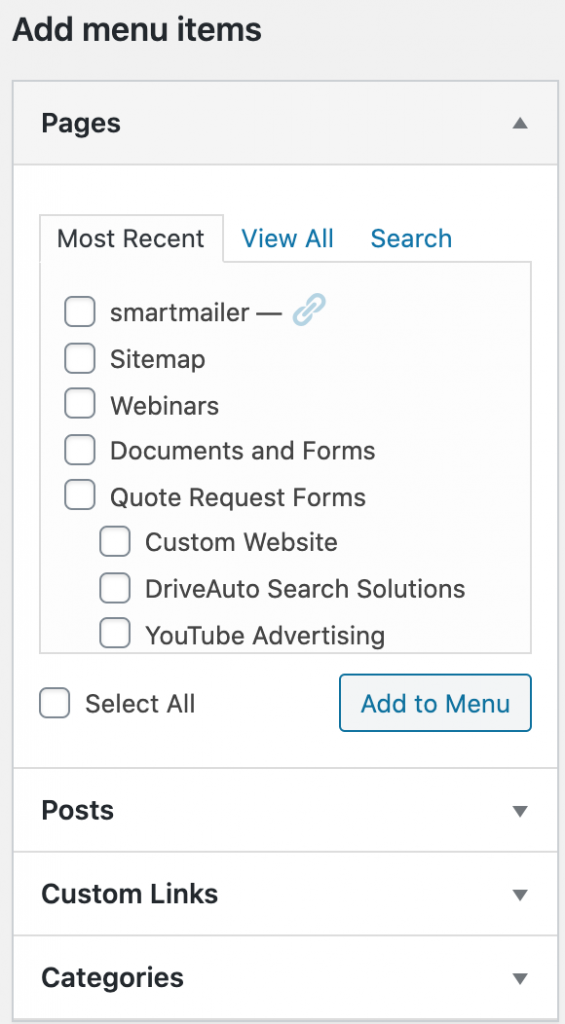
You can use the panel on the left side of the screen to select a Page or Post to add to your menu. You can also add Custom Links, if you want to link to a page outside of your site. Once you select the checkbox for any item(s) you want to add, click the Add to Menu button.
Once you have added items to the menu, you can drag and drop any of the boxes on the right to reorder them. Please note that you can also drag them to be indented under another item, meaning that they will show in a sub-menu under the top-level item.