
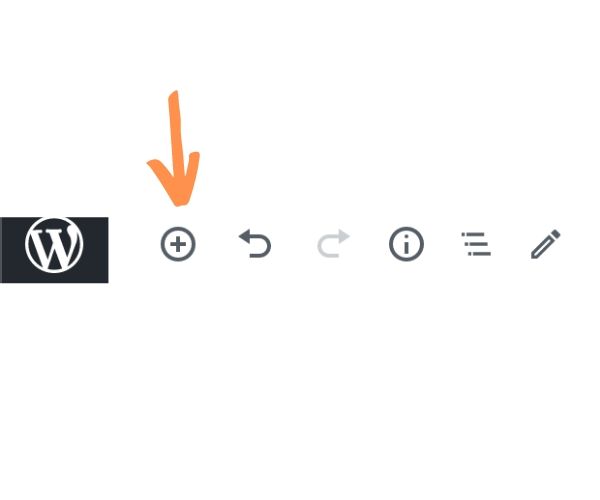
Hover at the top or bottom of an existing block until you see a plus (+) icon, OR click the plus icon at the top left of the page.
A menu will pop up letting you choose the kind of block you want to add. You can search for one by name or scroll down through the categories. Compulse Blocks contains blocks that were custom designed for your theme. Common Blocks contains default blocks that you may use frequently, such as images and paragraphs. You can also add Columns which can contain blocks.
