
Home / Media Library /
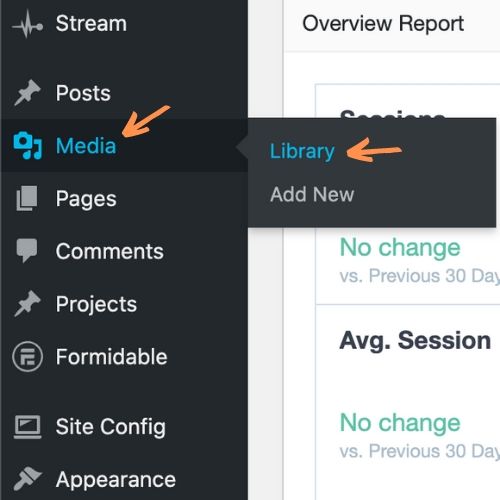
Step 1: Visit Media -> Library from the main dashboard menu.
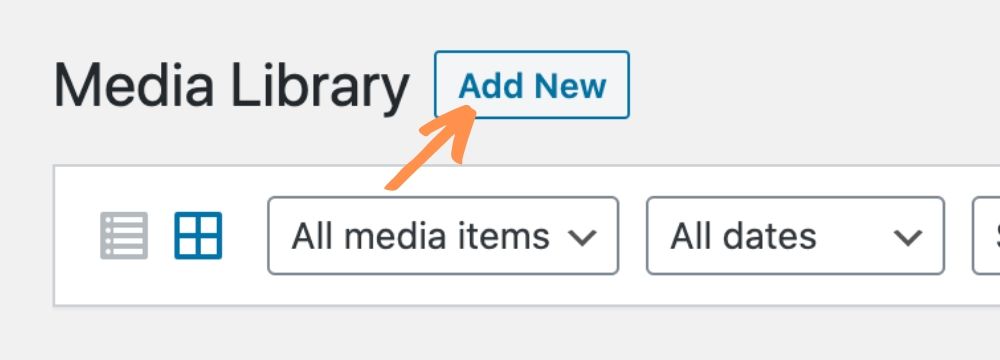
Step 2: Click Add New at the top of the page. You can drag & drop files onto the site, or click Select Files.

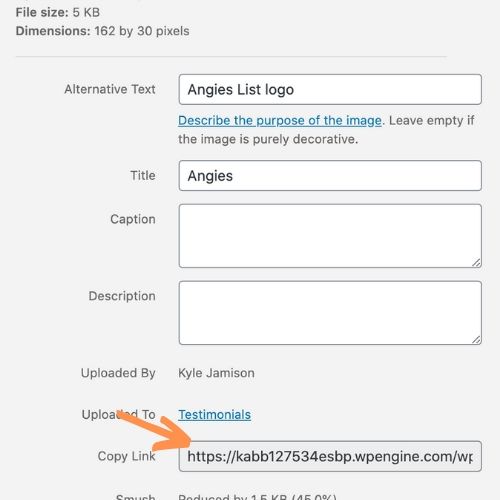
Step 3: To grab the image URL, click on the newly uploaded document to see the Attachment Details. From here, copy the link in the Copy Link box on the right.
To learn more about uploading documents, see: https://wordpress.com/support/media/