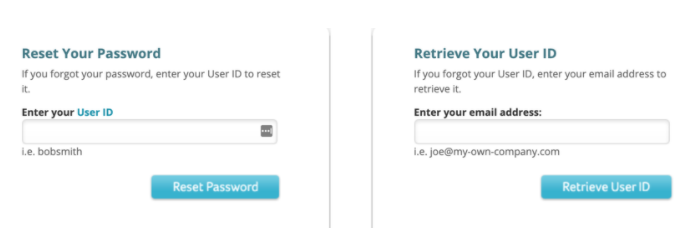
How to retrieve you DNS credentials from Network Solutions:
Step 1. Go to https://www.networksolutions.com/ Click “Login” in the upper-right corner.

Step 2. Click on “I’ve forgotten my User ID or Password”

Step 3. If you know your User ID you can enter it in the box to “Reset Your Password”. If you do not know your User ID, enter the email address associated with the account in the “Retrieve Your User ID” box. Network Solutions will send you an email with further instructions.
If you do not know which email is associated with your Network Solutions account, please contact their customer support by phone: 1-866-908-3442